


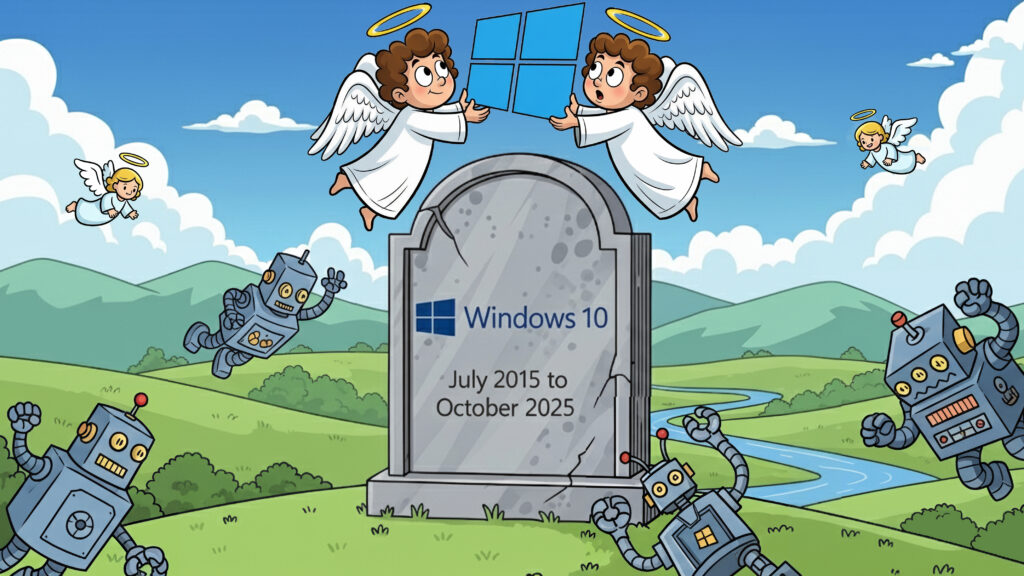
If you are using Windows 10, you should have received some notification that your system is approaching its End of Life (EOL). Here’s a breakdown of what that means:
Official End of Support Date
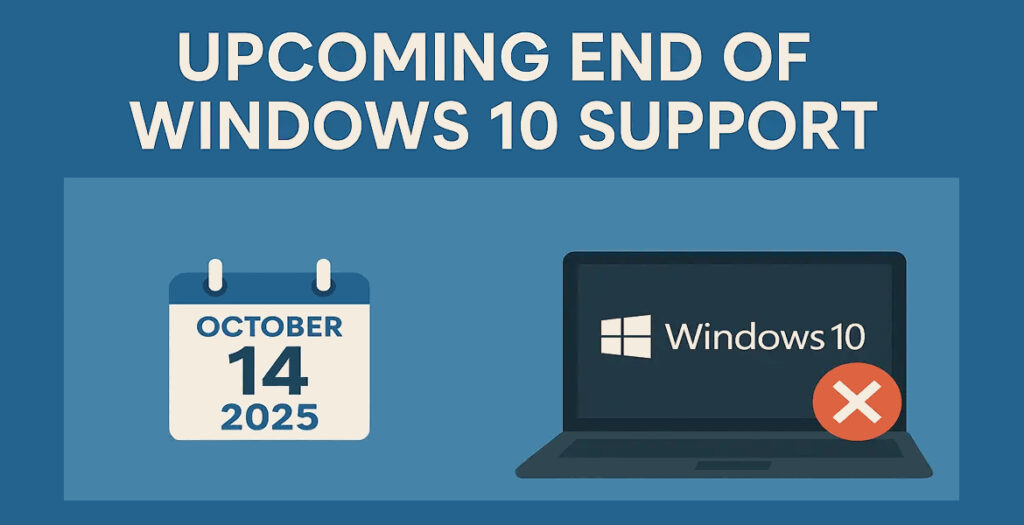
The official end of support date for most editions of Windows 10 will be October 14, 2025. This applies to version 22H2; (October 2022), which is the final version of Windows 10.
What “End of Life” Means
After October 14, 2025, Microsoft will no longer provide the following for Windows 10:
- Free Security Updates or Fixes: Your computer will no longer receive patches for new weaknesses, making it more prone to viruses, malware, ransomware, and other cyber threats.
- Technical Support: Microsoft customer service will no longer be available to provide assistance for any issues you encounter with Windows 10.
- Software Updates (including feature updates): There will be no new features or improvements to the operating system.
Will Your Windows 10 Computer Stop Working?
No, your Windows 10 computer will still function after the EOL date. However, continuing to use it without security updates is risky and not recommended, especially for businesses or individuals handling sensitive data.
Windows 10 Extended Security Updates
As a standard home user, you can enrol in the extended security updates for Windows 10 to continue receiving Windows security updates. You can enrol by visiting the Windows Updates in the settings section of Windows. There should be enrollment link and you will need a Microsoft account to enrol your device. Once enrolled, you should continue to receive Windows security updates. You will need Windows 10 version 22H2, Home or Professional. Businesses will be charged a small subscription and all subscriptions may be renewed in October 2026.
It is highly recomended to have a well-known paid active subscription of virus protection software installed. Critical if you are not enrolled on the extended security plan.

Impact of Continuing to Use Windows 10 After EOL
- Increased Security Vulnerabilities: This is the primary concern. Without regular security updates, your system will become a prime target for cybercriminals. Any new exploits discovered after October 2025 will remain unpatched, leaving your data and systems exposed.
- Compliance Issues: Many industry regulations (e.g., GDPR, PCI-DSS) require organizations to use supported software to maintain data security and compliance. Running an unsupported OS can put you in breach of these standards, leading to potential fines or legal issues.
- Software Incompatibility: Over time, new applications and updates from other software vendors may cease to support Windows 10, leading to reduced performance, limited features, or complete incompatibility.
- Operational Disruption: Increased security risks, potential compatibility issues, and the lack of official support can lead to more frequent system problems, downtime, and increased IT management overhead.
- Higher Total Cost of Ownership: While seemingly free, the risks associated with an unsupported OS can lead to significant costs due to security breaches, data loss, and the need for workarounds or emergency fixes.
Options for Staying Supported
Microsoft strongly recommends moving to a supported version of Windows, primarily Windows 11. Here are your main options:
- Upgrade to Windows 11:
- Recommendation: This is Microsoft’s preferred solution. Windows 11 offers continued security updates, feature support, and improved compatibility with modern hardware and software.
- Compatibility: Before upgrading, use Microsoft’s PC Health Check app to determine if your current Windows 10 device meets the minimum system requirements for Windows 11 (which include specific CPU, TPM 2.0, and Secure Boot requirements).
- New Hardware: If your current PC doesn’t meet the requirements, you will likely need to purchase a new device that comes with Windows 11 pre-installed.
- Recommendation: This is Microsoft’s preferred solution. Windows 11 offers continued security updates, feature support, and improved compatibility with modern hardware and software.
- Extended Security Updates (ESU) Program:
- Availability: Microsoft offers a paid ESU program for Windows 10, primarily for commercial and educational organizations.
- Purpose: ESUs provide critical security updates for a limited period (typically up to three years) beyond the EOL date.
- Cost: The ESU program is typically priced per device per year, with the cost increasing each year. For consumers, a one-year ESU option is expected to be available.
- Limitations: ESUs only provide security updates; they do not include new features or technical support. It’s a temporary solution to buy more time for transition, not a permanent one.
- Enrollment: Devices must be running Windows 10 version 22H2 to enroll in the ESU program.
- Availability: Microsoft offers a paid ESU program for Windows 10, primarily for commercial and educational organizations.
- Consider Other Operating Systems:
For users with older hardware that cannot run Windows 11, exploring alternative operating systems like Linux is an option. However, this requires technical expertise and a willingness to learn a new environment.
Please see this Microsoft webpage for more information.
If you require help upgrading to Windows 11 or see if your device is compatible, please contact PC Kings.